

こんにちは、UOZUです!
以前、ウェブアクセラレータからオブジェクトストレージを利用する際に、オブジェクトストレージ上のContent-Typeが必要と紹介しました。
Content-Typeが適切に設定されていない場合、ブラウザやウェブアクセラレータ側でファイル種別を正しく扱えず、HTMLやCSS、JavaScriptなどが意図した形式で配信されない可能性があります。
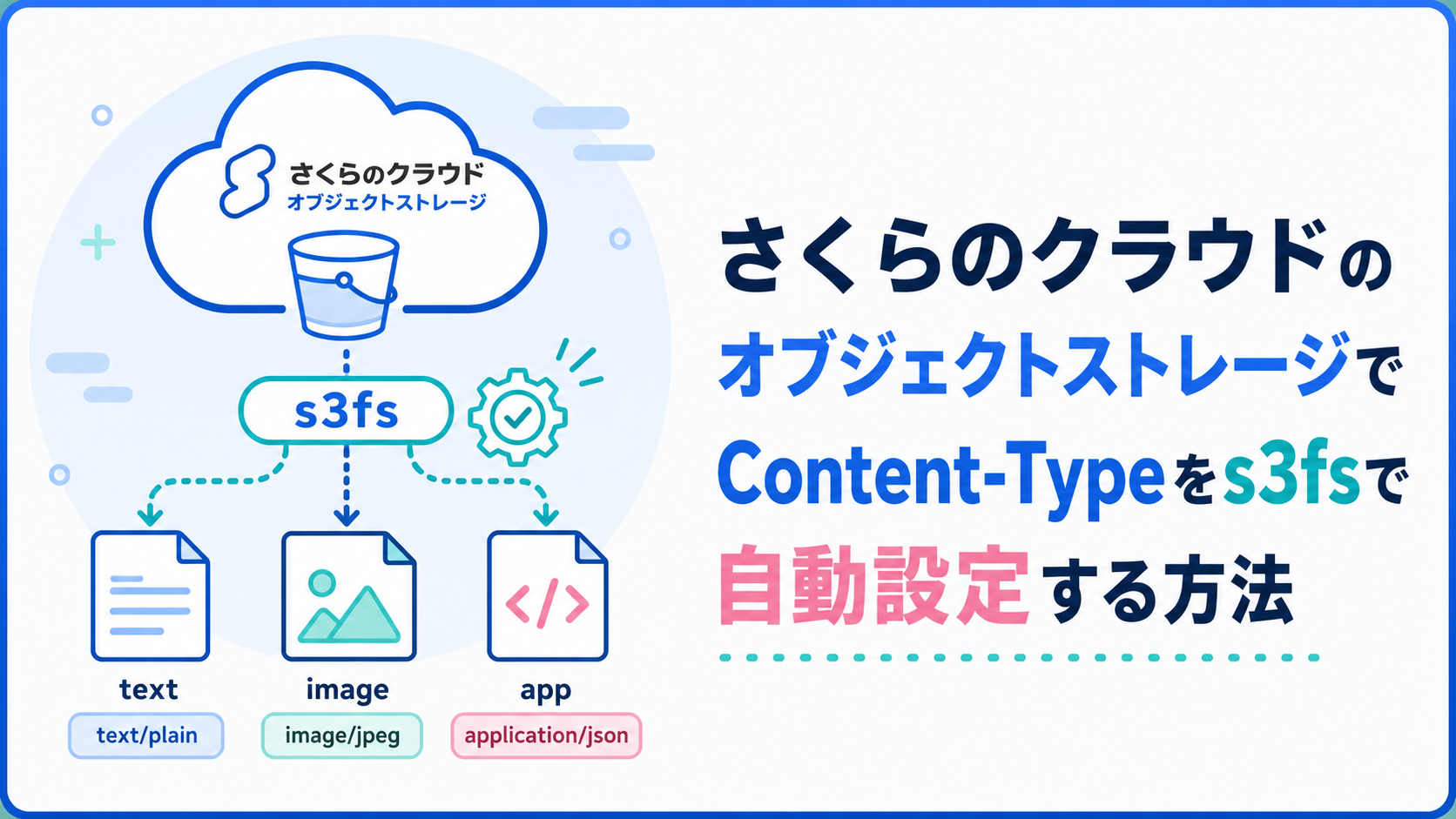
本記事では、s3fs でお手軽にContent-Typeを指定する方法を紹介します。
※s3fsはさくらインターネットの公式サポート対象ツールではありません。利用する場合は、挙動を確認したうえで検証・運用することをおすすめします。
検証環境
以下の設定で検証環境を作成しました
・石狩第一サイトのオブジェクトストレージ「uozu」を作成
・オブジェクトストレージをs3fsで/mnt/sakuraにマウント
・オブジェクトストレージをオリジンとして、WEBアクセレーター「xxxxxx.user.webaccel.jp」を作成
s3fs のContent-Type自動設定機能
s3fs でContent-Type指定は非常にシンプルで、マウント先のオブジェクトストレージに、拡張子に合わせ、自動的にContent-Typeを設定してくれます。
.htmlで設置した際には自動的にtext/htmlとしてContent-Typeを設定してくれます。
# df -h
Filesystem      Size  Used Avail Use% Mounted on
/dev/vda2        20G  3.5G   16G  19% /
devtmpfs        832M     0  832M   0% /dev
tmpfs           853M     0  853M   0% /dev/shm
tmpfs           342M  6.1M  335M   2% /run
tmpfs           1.0M     0  1.0M   0% /run/credentials/systemd-journald.service
tmpfs           1.0M     0  1.0M   0% /run/credentials/getty@tty1.service
tmpfs           171M  4.0K  171M   1% /run/user/0
s3fs 64P 0 64P 0% /mnt/sakura# echo UOZU > /mnt/sakura/index.html
# cat /mnt/sakura/index.html
UOZU# aws s3api head-object \
--endpoint-url https://s3.isk01.sakurastorage.jp \
--bucket uozu \
--key index.html \
--query '{ContentType:ContentType}' \
--output json
{
"ContentType": "text/html"
}# curl https://xxxxxx.user.webaccel.jp/index.html
UOZU
# curl -I https://xxxxxx.user.webaccel.jp/index.html
HTTP/2 200
server: nginx
date: Sun, 26 Jul 2026 12:07:21 GMT
content-type: text/html
content-length: 5
x-amz-meta-atime: 1785067566.861547565
x-amz-meta-ctime: 1785067566.910638666
x-amz-meta-gid: 0
x-amz-meta-mode: 33188
x-amz-meta-mtime: 1785067566.910638666
x-amz-meta-uid: 0
accept-ranges: bytes
etag: "bbc659a5c18ccccc294c2f6f49d3d27f"
last-modified: Sun, 26 Jul 2026 12:06:06 GMT
x-amz-id-2: 07deed44ac42a7d4b166
x-amz-request-id: 07deed44ac42a7d4b166
age: 0
via: https/1.1 sv06-osk03-jp (ApacheTrafficServer-second [uScMsSf pSeN:t cCMp sS]), http/1.1 sv06-osk05-jp (ApacheTrafficServer-second [uScMsSf pSeN:t cCMpSs ]), http/1.1 sv11-osk05-jp (ApacheTrafficServer-first [uScMsSf pSeN:t cCMpSs ])
x-webaccel-origin-status: 200
x-cache: MISSこの機能は s3fs のマニュアルにも書かれている機能で、特段の指定が無ければ、サーバー内の/etc/mime.typesを参照し、自動的にMIME typeからContent-Typeを登録してくれます。これは便利ですね。
# man s3fs -o mime (default is "/etc/mime.types")
Specify the path of the mime.types file. If this option is not specified, the existence of
"/etc/mime.types" is checked, and that file is loaded as mime information. If this file does not exist
on macOS, then "/etc/apache2/mime.types" is checked as well.ですので、当然拡張子が無いファイルを作成した際には、application/octet-stream がContent-Typeとして指定されることになります。
# echo TEST > /mnt/sakura/test
# cat /mnt/sakura/test
TEST# aws s3api head-object \
--endpoint-url https://s3.isk01.sakurastorage.jp \
--bucket uozu \
--key test \
--query '{ContentType:ContentType}' \
--output json
{
"ContentType": "application/octet-stream"
}検証では、mv で拡張子を付けた場合も、変更後の拡張子に応じて Content-Type が text/plain として設定されることも確認できました。
# mv /mnt/sakura/test /mnt/sakura/test.txt# aws s3api head-object \
--endpoint-url https://s3.isk01.sakurastorage.jp \
--bucket uozu \
--key test.txt \
--query '{ContentType:ContentType}' \
--output json
{
"ContentType": "text/plain"
}さいごに
今回は、さくらのクラウドのオブジェクトストレージを s3fs でマウントし、ファイル作成時に Content-Type がどのように設定されるかを確認しました。
ウェブアクセラレータとオブジェクトストレージを組み合わせて静的サイトを配信する場合、Content-Type は重要な確認ポイントになります。s3fs は公式サポート対象のツールではありませんが、挙動を理解したうえで利用すれば、ファイル配置とContent-Type設定を手軽に行える便利な選択肢になりそうです。
最後までお読みいただき、ありがとうございます!
この記事を書いた人